In this article I will show how to bulid a script file on your location. And how to compose the script on Python (or R). You should bulid the Python script on your virtual environment if you want to use the keras CUDA.
You should enter your server at begining.
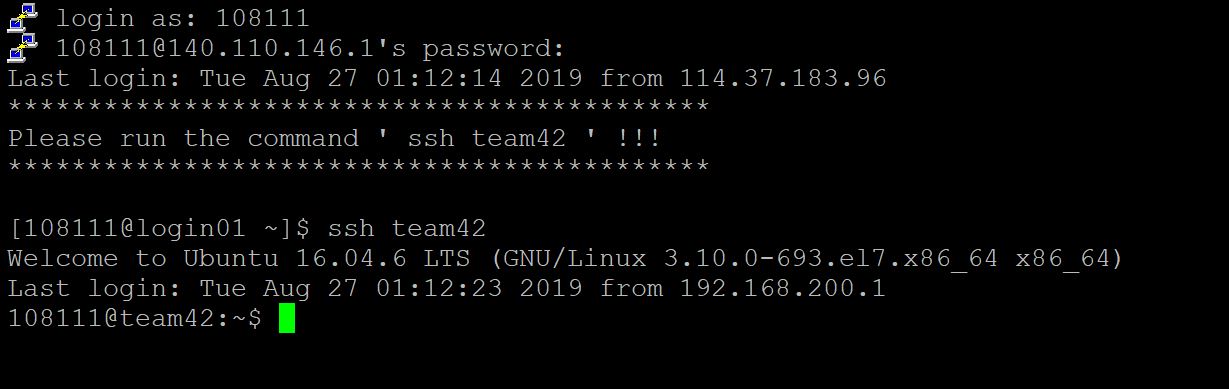
R
step 1. Set up the file location:
You can key “dir” to check all files on your location.
dir
Then you will discover the location have only one item call “lin_projA”.
If want to enter the document ,just key “cd” to enter the document location.
cd document_name
Now we check the location again. If you want to build a new document ,key “mkdir doc_name”.
mkdir doc_name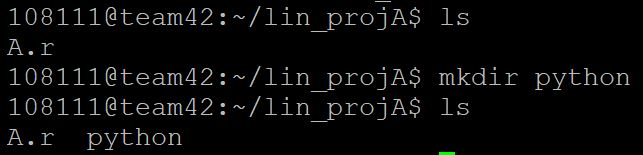
And now we key ls(or dir) to check the document has builded or not.
Step 2. Creat a script file and compose it:
We first cd to the new document and creat a script. Using “touch” to creat file.
touch file_name.r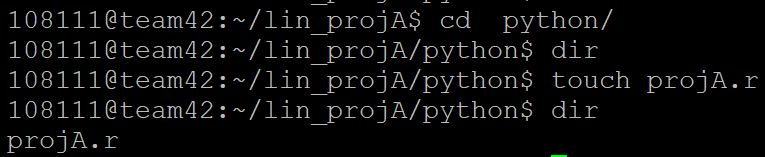
Then we use vim to compose the script file. Key “vim”.
vim file_name.rWe will enter the vim envirment.
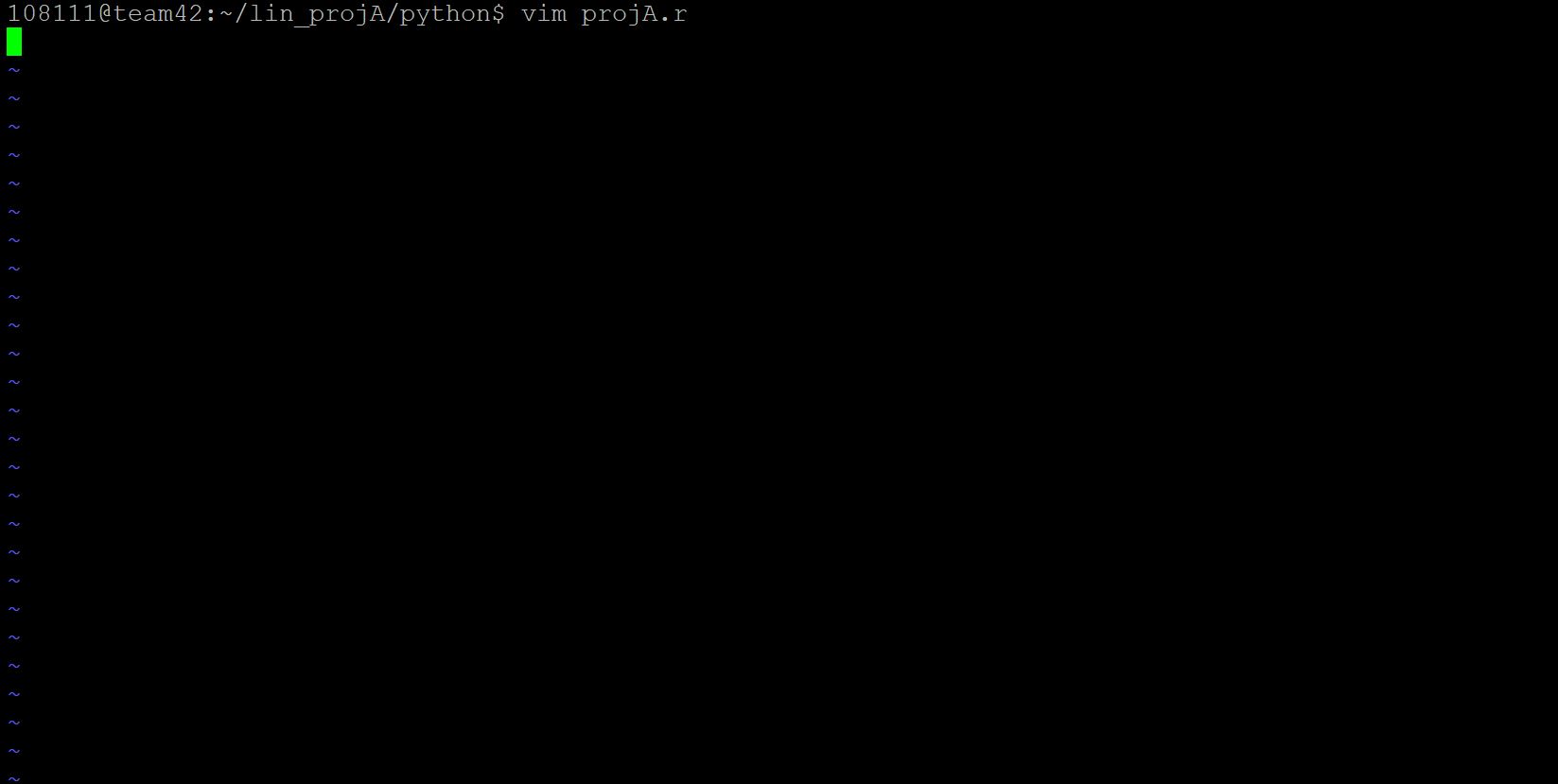
We should check the left down corner prompt.
If it didn’t show –INSERT– , that means you are not in writing mode.
Key any words on keyboard then check the prompt whether change to show the –INSERT– or not.
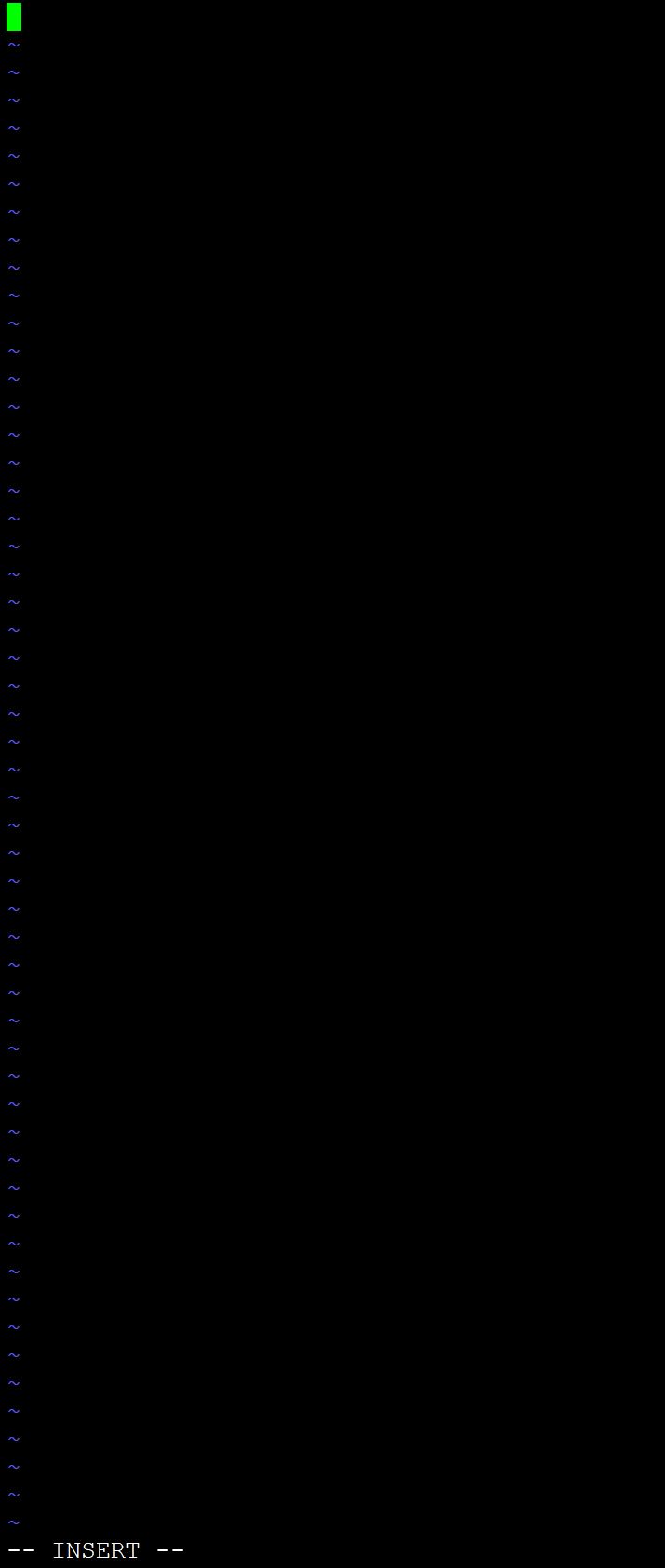
When vim in the writing mode, you can just key any code on the lines.
After you compose already, click “Esc” one time. And you will find the prompt become nothing.
Now key in “: wq” to save and leave the VIM.(You can just key “q” to leave and do not save).
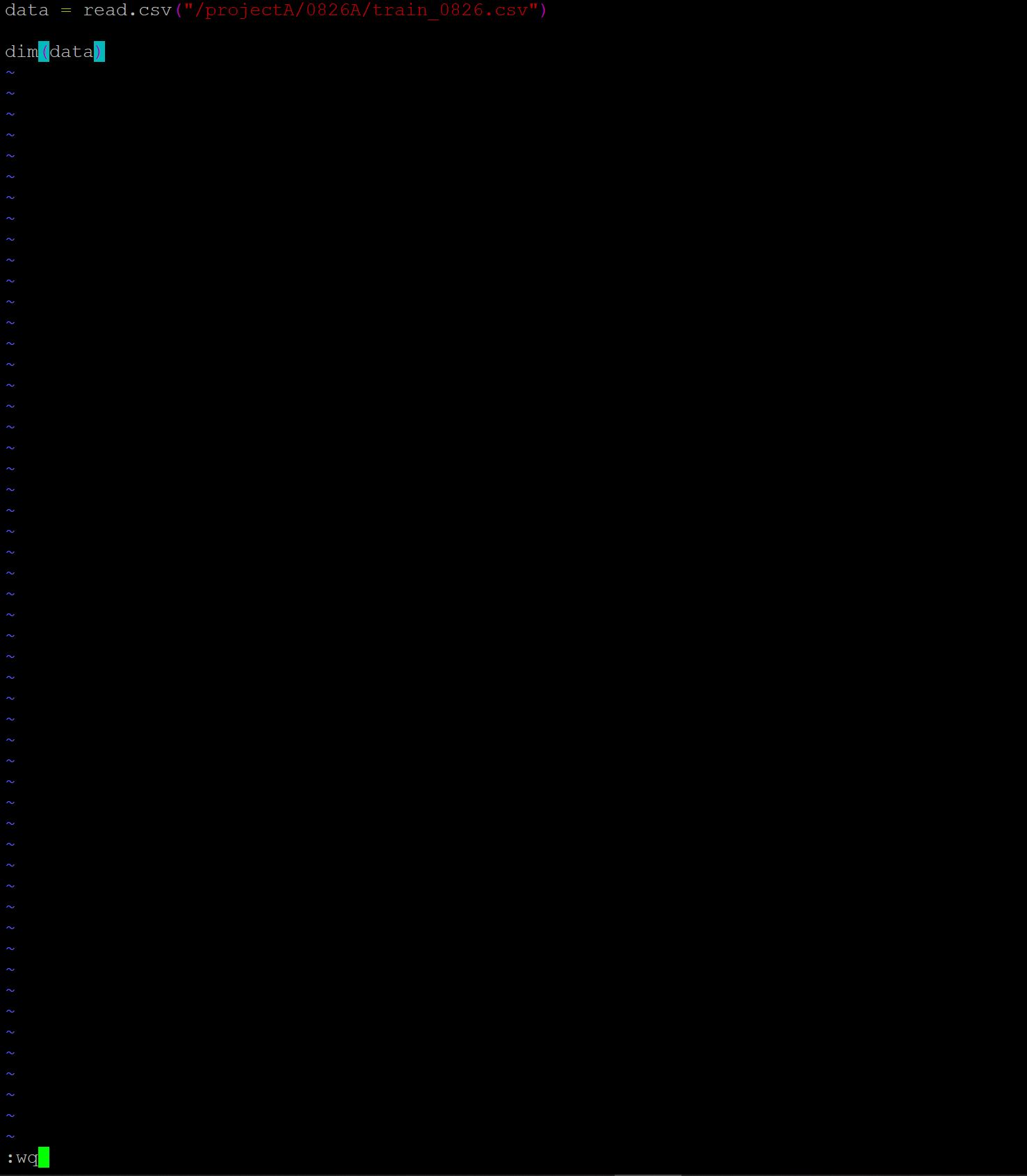
Step 3. Running your R script file
Key “Rscript file_name.r” to running the R script file.
Rscript file_name.r
Python
step 1. Set up the file location:
Basically, creat the file step is same with R step 1.
We need to make sure the tf/keras loaction is in virtua envirment(/envs/tf_keras).
step 2. Creat a script file and compose it:
You need to key“pipenv shell” when you into virtua envirment.
pipenv shellSame with R step 2. But your files tail name should be “.py”.
step 3. Running your Python script file:
You can use the same method with R step 3 but change “Rscript” to “python”.
Or you can just key “: !python %” in vim. It will become more convenient and resonable.
Other tips
delete the document
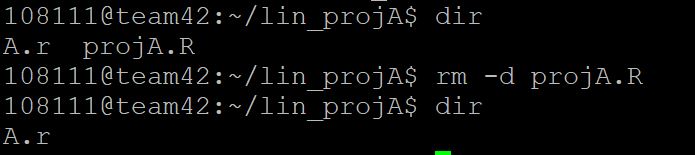
You can key “rm -d file_name” to delete your file.
rm -d file_name