This is pretty simple tutorial for update gitlab or github.
So I won’t tell you how GIT work. If you want to learn rigorous and precise.
This web way help:https://gitbook.tw/.
Step 1: Build a git place and push on it.
1-1:
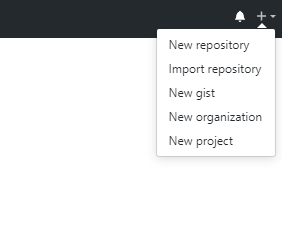
You have to build a Repository or a Project on gitlab(or github)
1-2:
Make sure you have installed the GIT on your device. Then open the commander

1-3:
Use “cd” to link your files location.(If you didn’t know the DOS command,this web may be help:https://en.wikipedia.org/wiki/List_of_DOS_commands)
cd location #location is your file link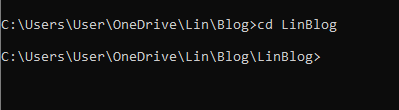
gi3
1-4:
git clone urlKey “git clone url”,the url is your Project clone link and it may ask you to log in the website.

1-5:
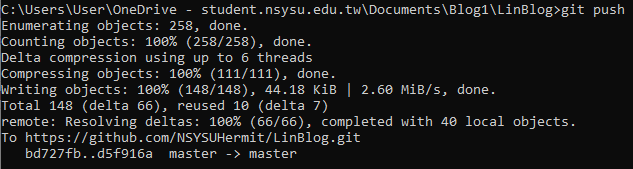
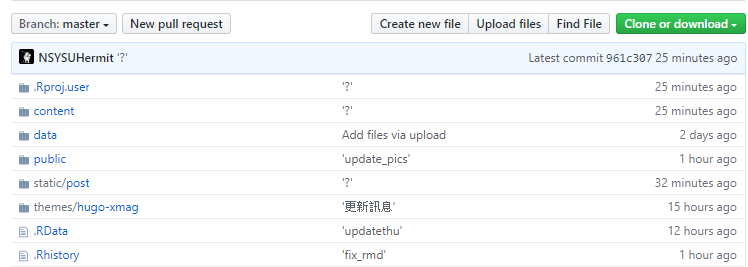
git pushKey “git push” and the local project files will be pushed on the git web!
Step 2: Update the git files.
If you want to push your updated files on git web. You should cd to your git location at first.
2-1:
git add .After cd to your git location, key “git add .”,then it will check the updated clone files.

2-2:
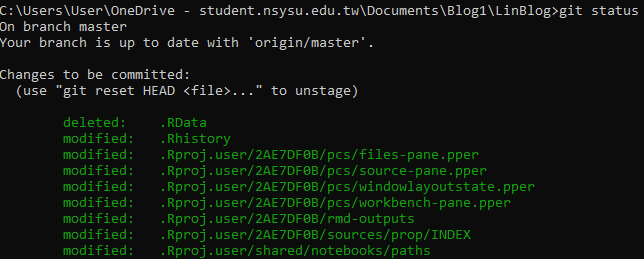
git statusKey “git status”, it will show you what’s files be updated.
2-3
git commit -m 'update'Key “git commit -m ‘update’”, you need to announce the “commit name”. The ‘update’ can be changed by any string you want to call.

2-4
git pushKey “git push”,then the files will be pushed on git web if your git files is legal.